Others
Everything, AnyTXT Searcher, PowerGREP, and Copernic Desktop Search
Introduction
In addition to the major competitors FileLocator Pro, SeekFast, DocFetcher, and DtSearch, there are other tools that either target different use cases or couldn't be fully tested for various reasons. Here's a look at Everything (the filename search king), AnyTXT Searcher (the free alternative with big promises), PowerGREP (the REGEX specialist), and Copernic Desktop Search (which we couldn't fully test).
Everything - Very Fast, but Only for FILE NAMES
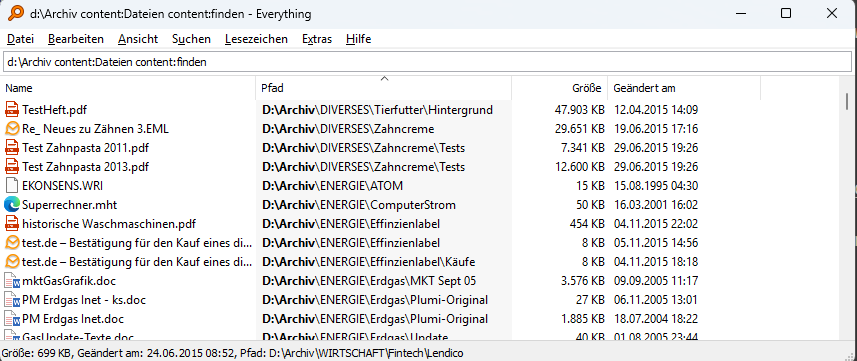
Everything from voidtools is a free, extremely fast file search tool for Windows that has established itself as the undisputed leader for filename searches. The program builds an index of all filenames on NTFS drives and can search this index in milliseconds. For anyone looking for a file by name, Everything is an indispensable tool.
However, Everything is primarily designed for filename searches. Full-text search - i.e., searching within file contents - is only supported experimentally via plugins and external tools. We tested whether Everything could also be used for content searches and configured it to use its experimental ETP/FTP server for content indexing.
Wow, surprise! OK, the search takes about 40 times longer than Findit. But finally a program that finds about as much as Findit! But then a disappointment: It's hard to prove what's NOT there with a screenshot. But upon close examination of the reported hits, there were too many where either the word "files" or the word "find" was clearly NOT present.
Findit can of course also search filenames including folder paths for text - but takes significantly longer than Everything with its index. Everything is unbeatable and the "first choice" for that. However, when it comes to reliably finding files based on their actual content, Everything is not a competitor for Findit.
AnyTXT Searcher - The Free "Big Talker"
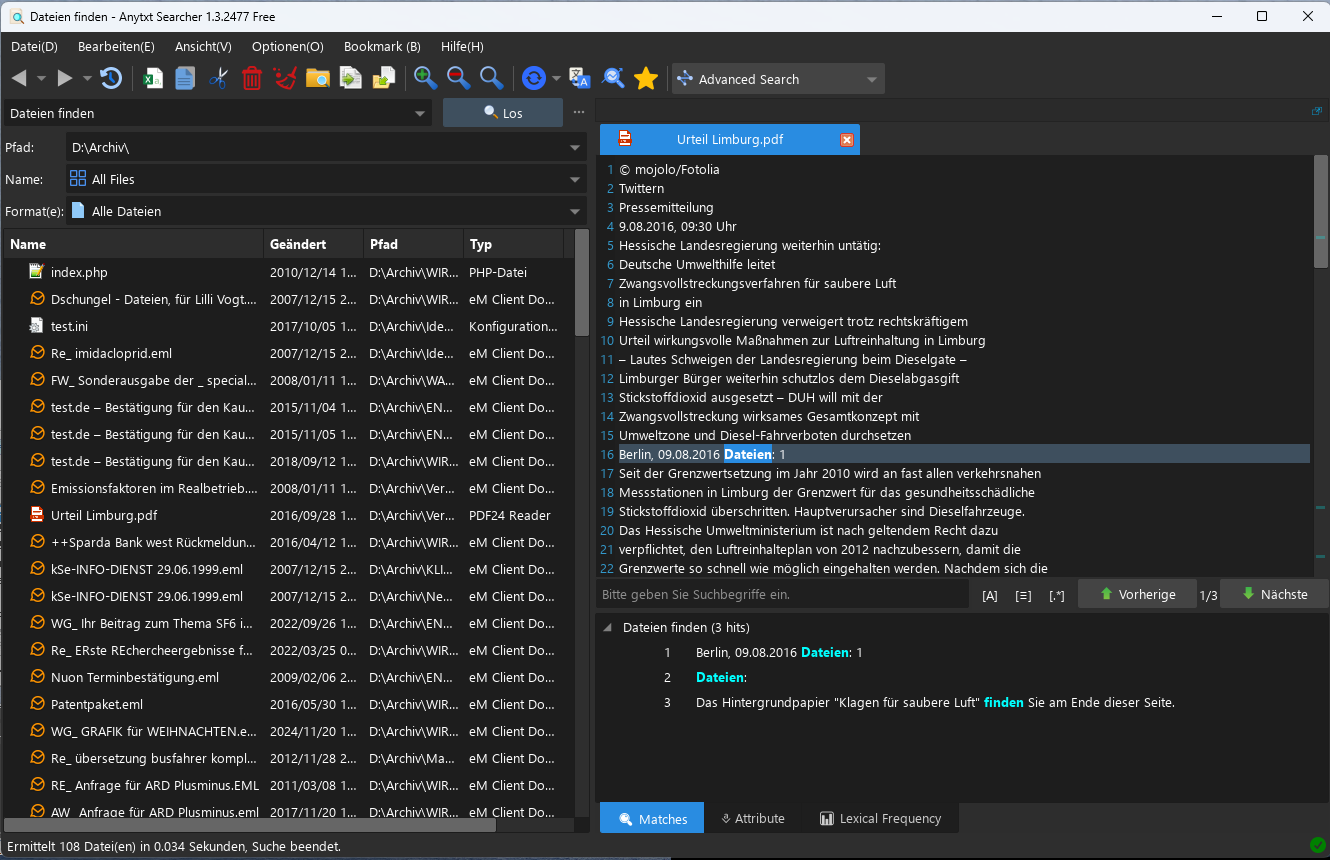
AnyTXT Searcher is a free search tool from CBEWIN Tech Limited (Hong Kong, 2022). The software confidently advertises itself as the "best full-text search engine" and offers a modern interface with dark mode, over 10 languages, and integrated OCR. The marketing promises search results in under 0.1 seconds. We wanted to find out: Can this "big talker" keep its promises?
AnyTXT builds an index. The interface is spartan but clear, available in 10 languages including English. However, operation is not very intuitive, and there's no help function at all. You have to search a bit to figure out where and how to create an index. We first activate all several hundred offered file types for indexing. The program then reports that OCR would have to be performed in advance to search images, which could take a very long time. We select this additionally anyway and wait almost half an hour until indexing is complete. Then in the same archive as all other tools with the identical search query for "files AND find". The result doesn't come in 16-30 seconds like Findit (depending on settings), but really almost instantly: 108 files found in 0.034 seconds.
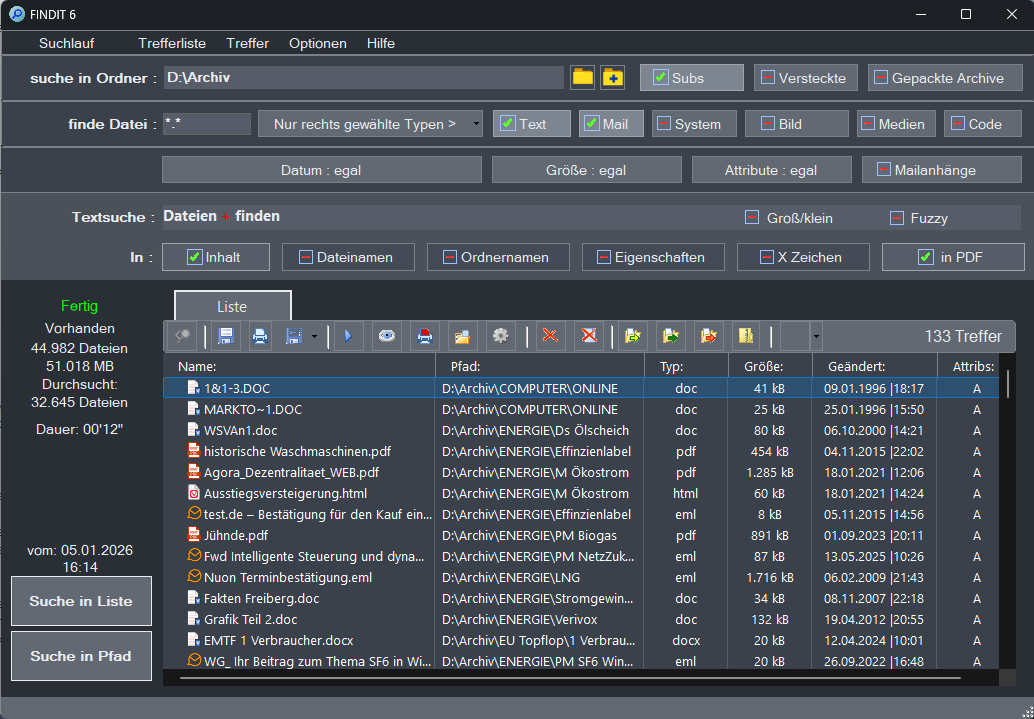
That's only 63% of what Findit finds (172 hits with standard configuration). What's missing? Upon closer inspection: No email attachments, no hits in ZIP archives. According to documentation found online, AnyTXT experimentally supported packed archives and attachments of saved mail files, but this was removed again in the current version. However: Even when we specifically deselect email attachments and ZIPs in Findit, Findit still finds 133 hits, while AnyTXT still only finds 108.
The result: The 108 hits are the maximum we can extract from the current version - regardless of configuration. Undeniably: The relatively new software has potential. For example, there's an option to open the interface as an HTML page in the browser - it then looks like Google on the desktop, though with only rudimentary search options.
The free software offers modern features like OCR, multilingual interface, and impressive search speed. With only 108 hits (63% of Findit), its promise as the "best file search program in the world" proves to be "big talk," remaining far behind Findit. A tool with potential for private users - but currently not a serious Findit competitor.
PowerGREP
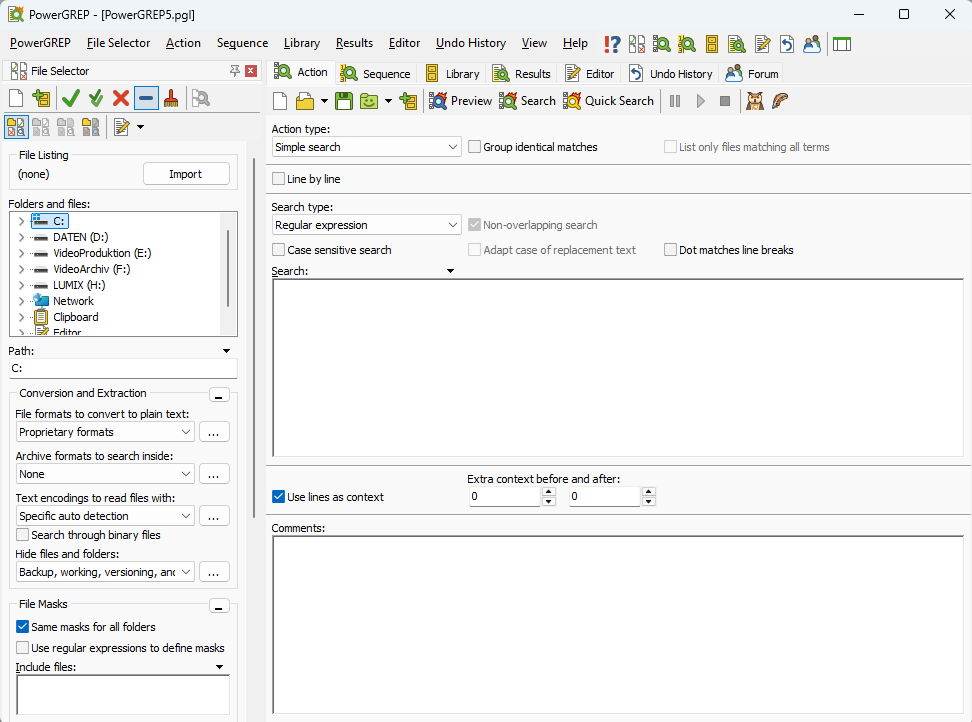
PowerGREP is a commercial search and text processing tool for Windows that has established itself primarily among IT professionals as a powerful tool for file analysis. It's developed and distributed by Just Great Software Co. Ltd., a company founded by Belgian software developer Jan Goyvaerts with headquarters in Phuket, Thailand.
The first versions of PowerGREP appeared in the early 2000s and have been continuously developed since. A single-user license currently costs $159, but the program can be tested for 15 days with full functionality. The focus on IT professionals is evident in a very complex interface based on various icons at first glance - and an approximately 400-page manual. The query syntax is based on REGEX and is very complex. Anyone with questions about operation is referred by the manufacturer to a forum, which however is only unlocked after purchasing a license.
We tried to familiarize ourselves anyway and found: The program is often described as "file search," but is actually something quite different: It can indeed search for specific character strings in various documents with high precision. However, its crucial function is that it can also replace these character strings according to arbitrary rules. In a real data environment, this is a potentially highly dangerous capability that should only be used by specialists with the utmost caution. With incorrect operation or even sabotage, PowerGREP can cause significant damage to entire data stocks.
And: REGEX can precisely determine with complex syntax at what distance multiple character strings must appear. But REGEX requires massive computing power. When we wanted to search our archive of 50,000 files with the query used in all tests for "files" and "find" (as whole words, i.e., without "finding") with arbitrary distance, PowerGREP reported after 3.5 hours on our Ryzen 5 that it had now searched through 10 percent of the data set.
We didn't let the test run for several days and limit ourselves to this brief mention of a tool that is certainly highly perfect for other applications.
Copernic Desktop Search
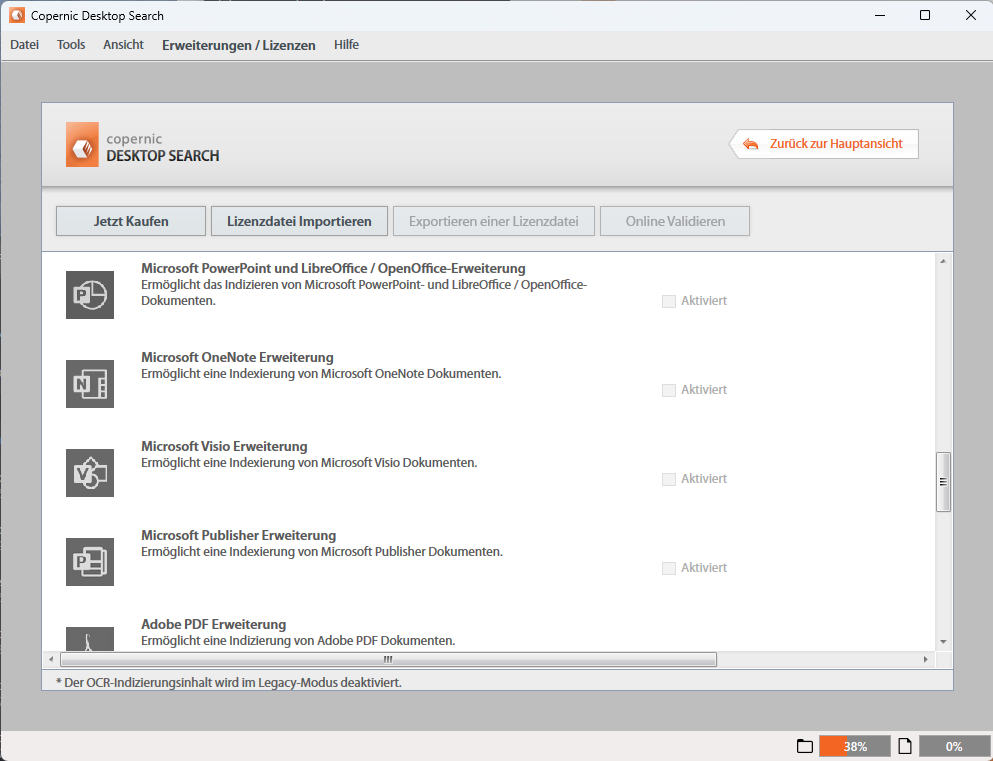
Copernic Desktop Search is a commercial desktop search tool for Windows that searches files, emails, documents and their contents via a complete index, supporting a large number of different file types. The program comes from Copernic, a software company that has been developing search software since the 1990s and has created one of the most established desktop search solutions on the market with Copernic Desktop Search. Since 2010, the brand has belonged to Harris Computer Corporation, an internationally active software and IT services company based in Canada.
The product is used worldwide by both individual users and companies and uses an index to make files and emails locally searchable quickly. In addition to searching for filenames, it also supports searching within document content. This is supplemented by numerous filter and sorting options for different file formats. In this respect, Copernic Desktop Search is fundamentally another relevant competitor for the index-free Findit.
However, the available trial version is functionally severely restricted and only supports a limited selection of file formats. Like all index-based solutions, Copernic also works with so-called "parsers" that evaluate each individual file type precisely according to fixed rules. A customer must license support for many file formats individually or in package solutions. The corresponding licenses are offered as subscriptions with an annual minimum term and must be paid in advance.
To test Copernic Desktop Search with functionality comparable to Findit, at least the "Elite" package would have been necessary, an investment of around $89 for the first annual license. We therefore decided against this test.